White background photos for Etsy, Shopify, and Amazon listings
Turn a casual phone shot into a clean white background product photo, then crop it square (1:1) for your Etsy, Shopify, or Amazon listing.
iPhone product photo editor · Boon app
A distracting background can hide what makes your product stand out. On iPhone, choose your product photo and a Boon template, then tap once to generate a styled product image for ecommerce listings, ads, or social posts.
Free to download. Eligible users can start a 7-day free trial in the app.
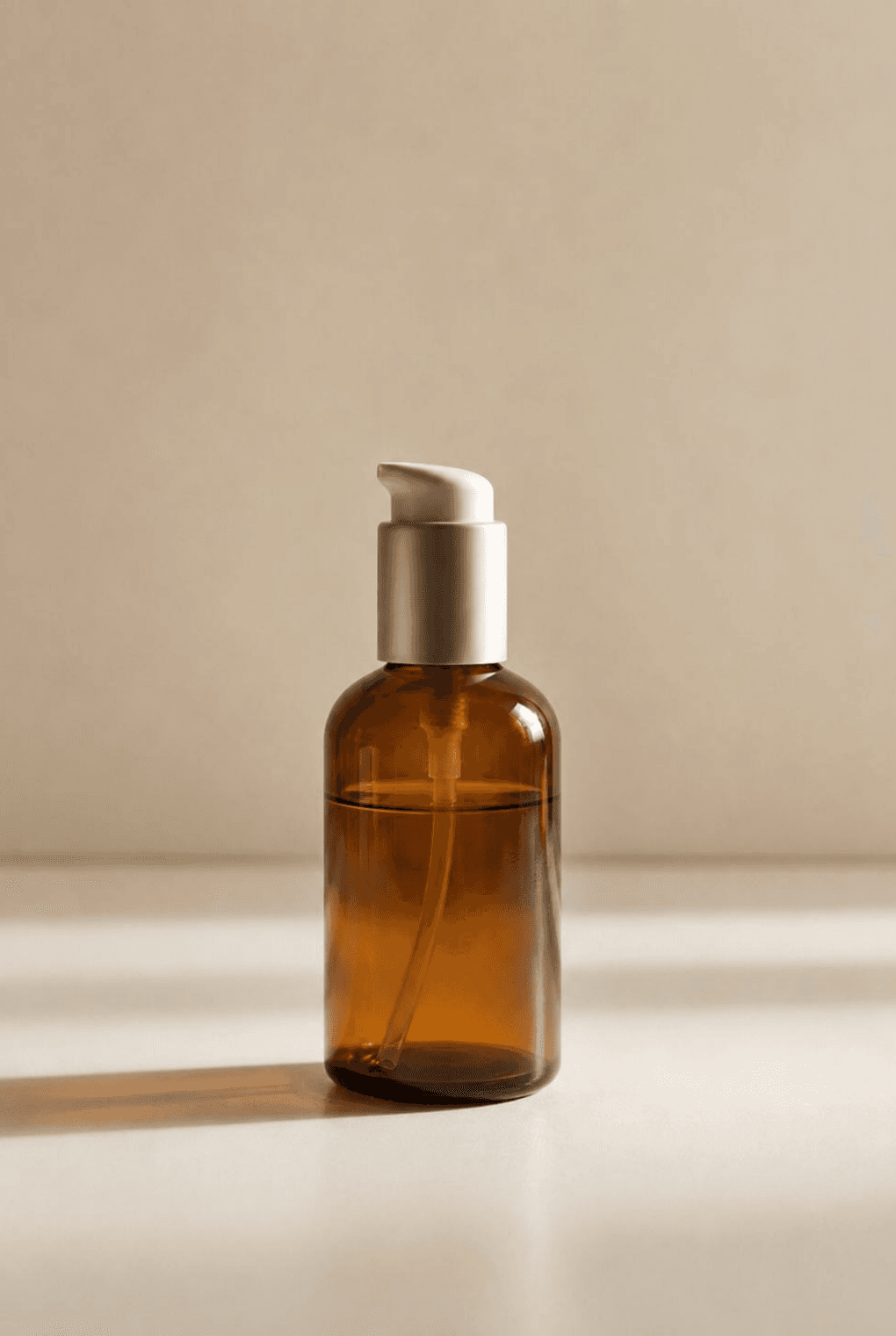
 BeforeAfter
The goal is not only a transparent cutout. It is a cleaner product image that can become a listing, ad, or social post.
The search problem
Most sellers do not search for a background remover because they want a technical cutout file. They search because the product photo does not look usable yet. The fix is a workflow: isolate the product, place it in a cleaner setting, adjust the format, and save an image that fits the channel.
Turn a casual phone shot into a clean white background product photo, then crop it square (1:1) for your Etsy, Shopify, or Amazon listing.
Try background templates instead of rebuilding a campaign scene from scratch.
Keep background removal, styling, aspect ratios, and export on the phone where your product photo starts.
How Boon frames the solution

Use the original item shot from your phone instead of setting up a studio background first.
Pick a background or style that suits your product, from a clean listing image to a seasonal campaign scene.
With your photo and template selected, tap to generate. Boon handles the background and styling without making you build the scene layer by layer.
Use Background, Style, Aspect Ratio, and Download controls in Boon to make the result fit your product page or social post.


Templates after cutout
Choosing a background, arranging a scene, and matching the style can take many editing steps. In Boon, choose your product photo and an AI template, then tap once to generate a product image for your shop, marketplace listing, ad, or social channel.
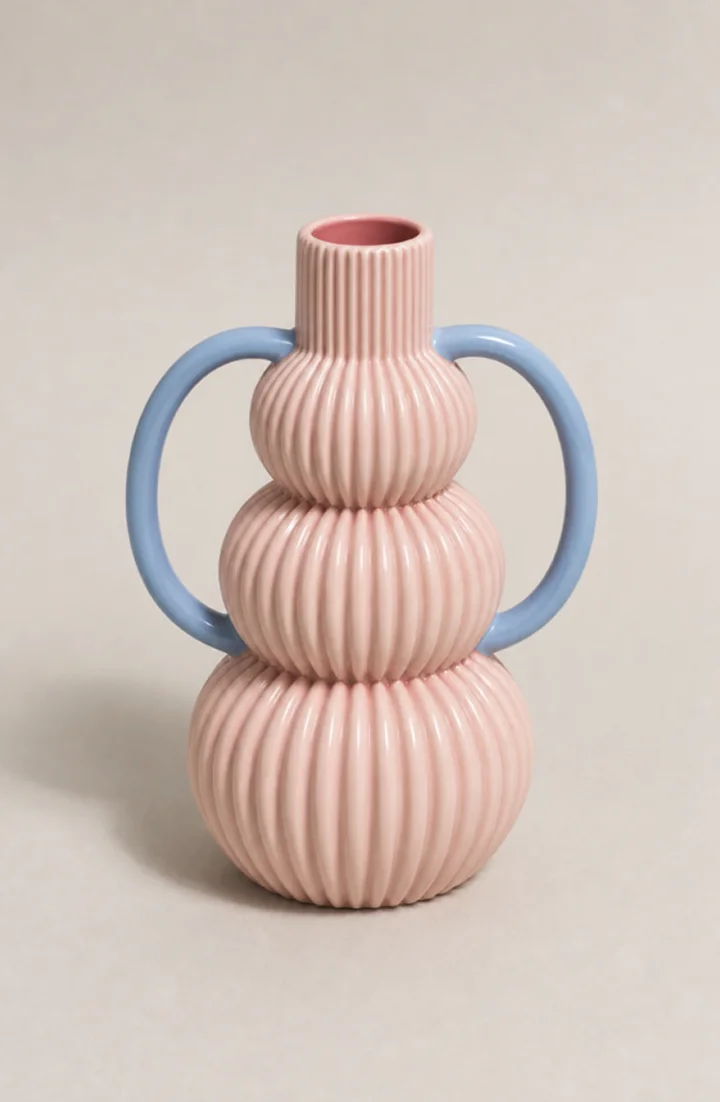
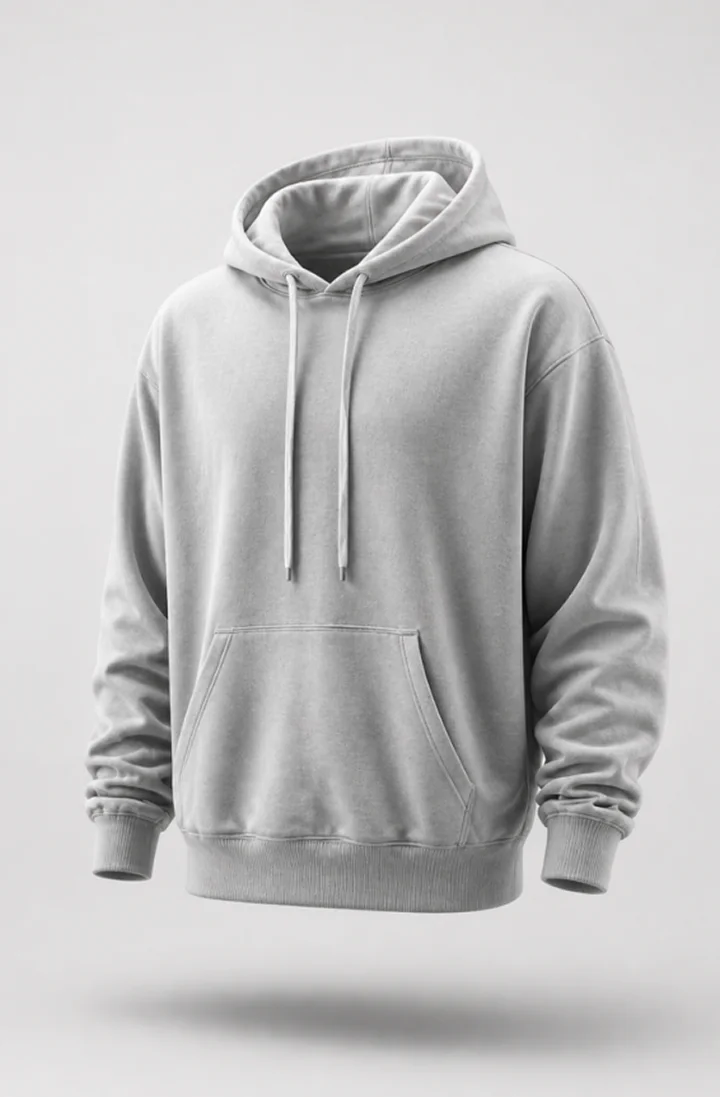
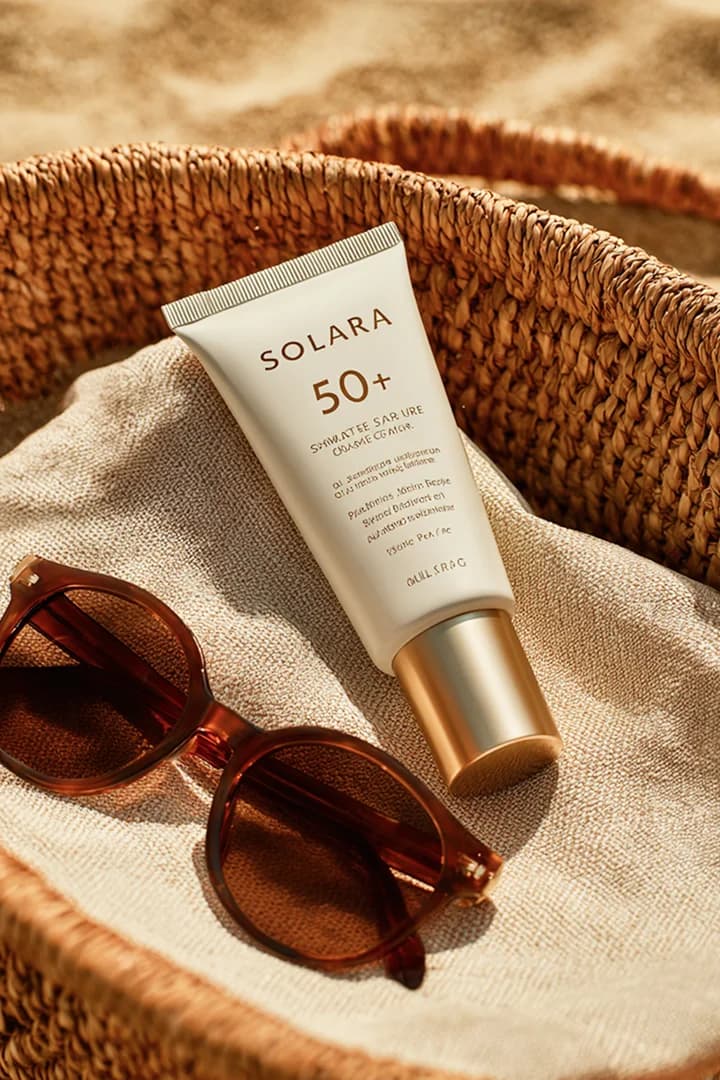
Product Image templates
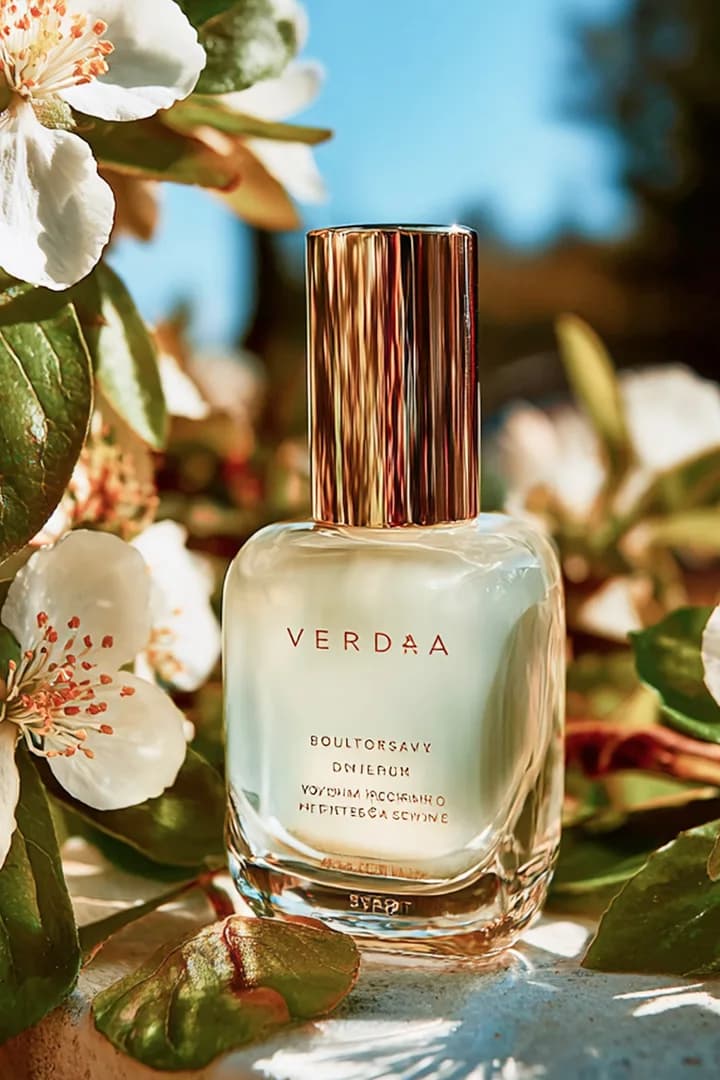
From clean studio shots to summer campaigns, beauty ads, and imaginative scenes. Explore templates available in the Boon iPhone app for shop listings, marketplace images, sale banners, and social posts.



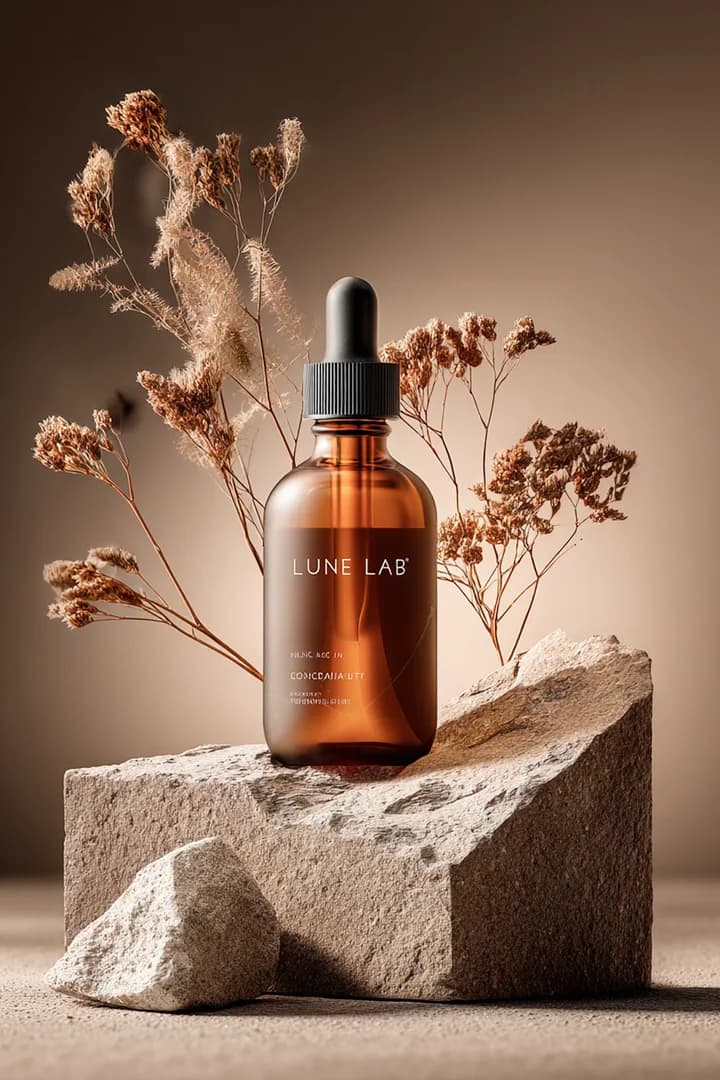

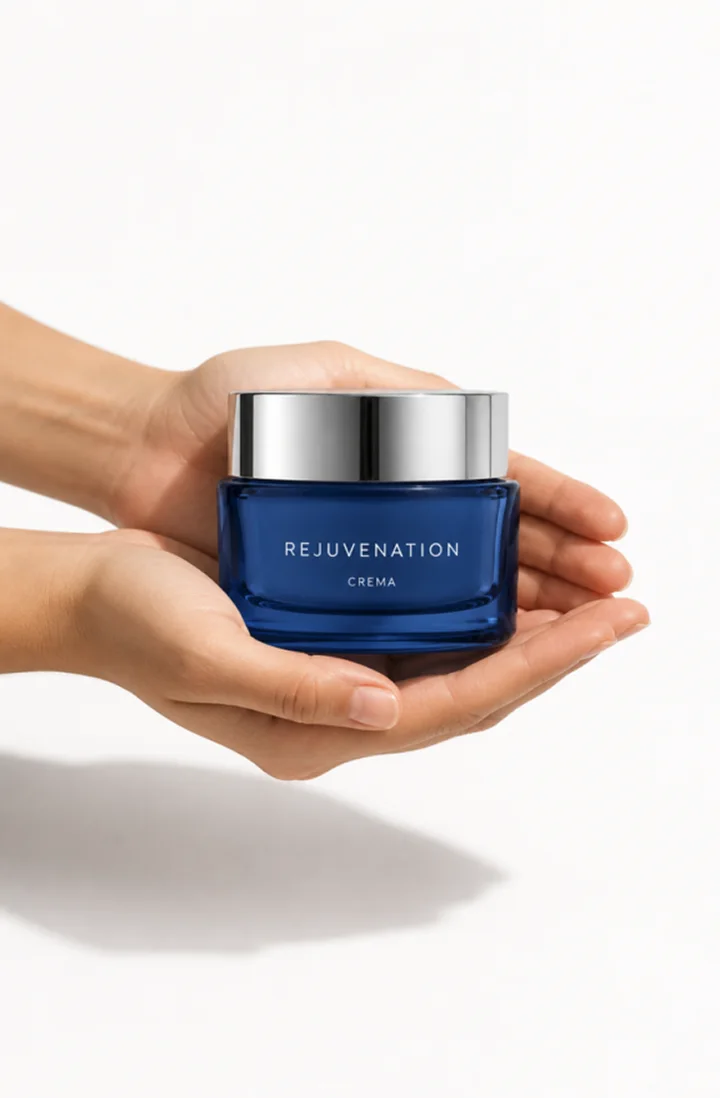
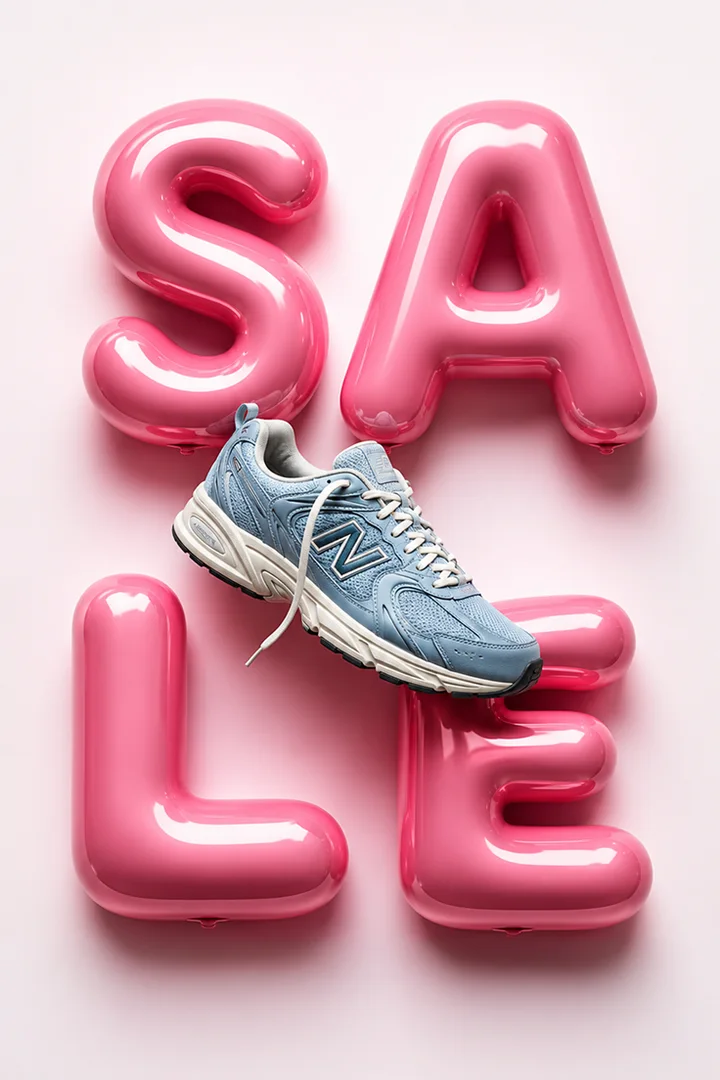
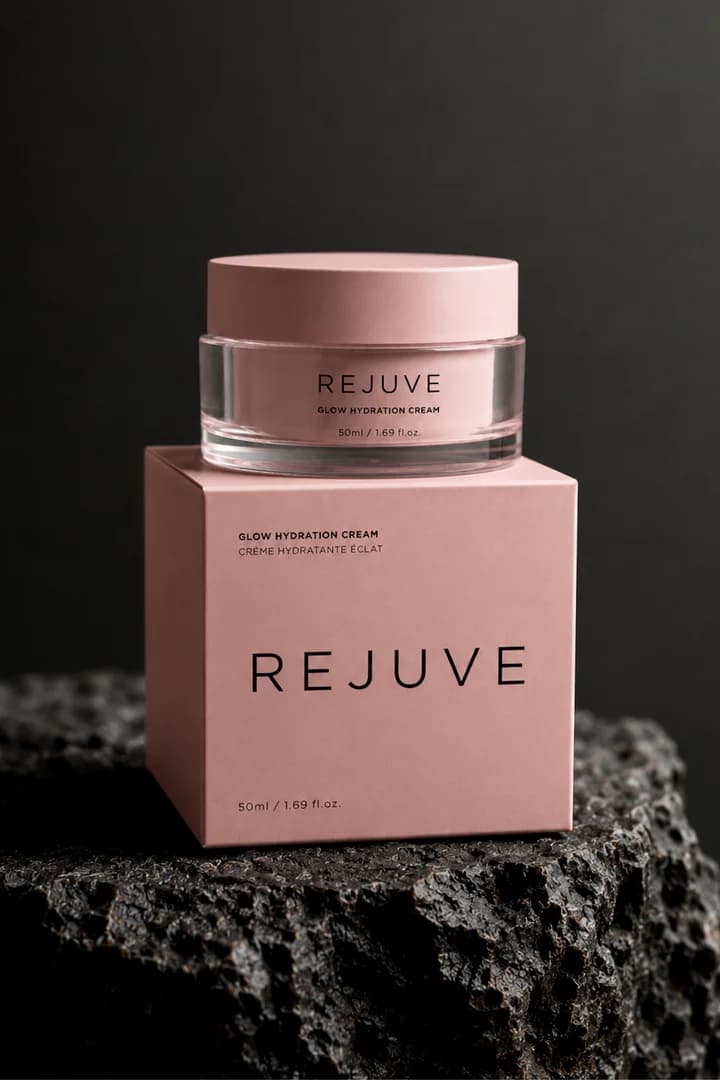
Try it in the app
This page explains the workflow before you download. The actual background removal, product templates, image ratios, and exports happen inside the Boon iPhone app.
Launching a new store too? Use the shop logo maker to create the store logo that goes with your product images.

Free download. 7-day free trial available for eligible subscription features.
Get the appFAQ
Boon includes cutout and product image workflows that help remove distracting backgrounds and turn a product photo into a cleaner ecommerce image with new backgrounds, styles, ratios, and exports.
Yes. The Product Image flow is designed around AI templates, background choices, style changes, aspect ratios, and downloadable results rather than stopping at a transparent cutout.
Yes. In Boon you can place your product on a White background or the Studio White style, switch to a square 1:1 aspect ratio, and download the image to upload to your Etsy, Shopify, or Amazon listing. Each marketplace sets its own image rules, so check its current photo guidelines before you publish.
Boon is free to download, and eligible users can start a 7-day free trial for subscription features shown in the app.