Online shops and DTC brands
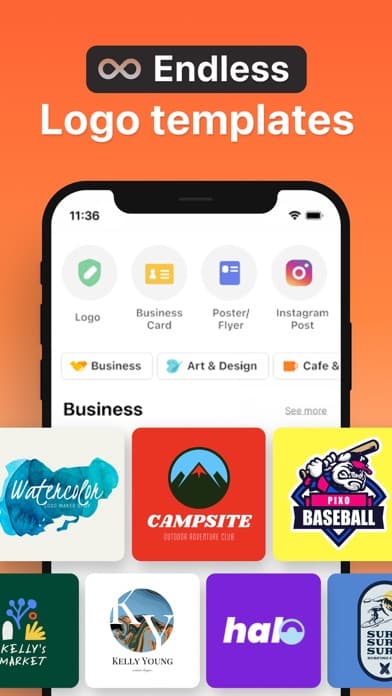
Start with AI concepts or templates, then refine a logo that can move into product pages, social headers, packaging mockups, and launch graphics.
Store & Shop Logo Maker · Boon for iPhone
Create a free shop logo on iPhone with Boon. Start with AI logo ideas or templates, refine a store brand, preview mockups, and export launch-ready files.
Who this page is for
This page is a narrower answer than the homepage. It is meant for searchers who already know they need a shop logo maker and want to see whether the workflow fits a store launch on iPhone.
Start with AI concepts or templates, then refine a logo that can move into product pages, social headers, packaging mockups, and launch graphics.
Build a boutique or storefront identity with fashion-forward type, symbol-driven marks, and quick export files for signs, tags, and profiles.
Shape a shop logo around food, drink, or neighborhood cues, then preview it on cups, menus, or storefront-style mockups before opening day.
Use Boon for salon, studio, or small retail concepts that need a logo plus matching social and promo assets without opening desktop software.
Why Boon fits shop-logo intent
Move from a brand name, category, and mood to editable shop-logo directions instead of beginning from an empty canvas.
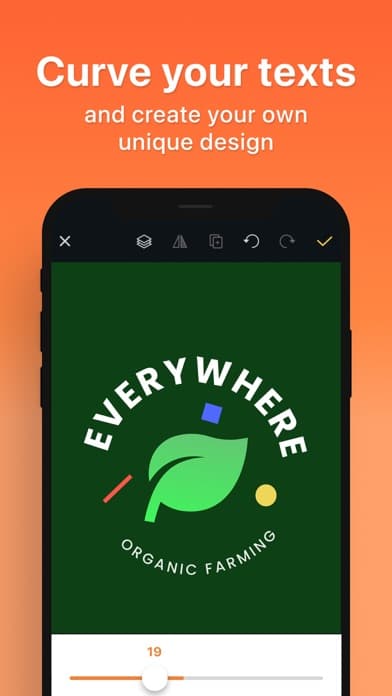
Adjust the mark until it fits a boutique, online store, cafe, or local storefront without needing separate design tools.
Carry the same logo into packaging, profile, sticker, poster, or product-image style outputs from the same app workflow.
Examples + proof
Dedicated modifier pages work best when they answer the exact launch outcome. These examples keep the page focused on shop logos instead of generic brand-tool claims.
Enough range for boutiques, cafes, online stores, and local retail concepts.
Useful when a store brand needs a mark that can feel ownable, not stock.
Keep the logo, mockups, and launch assets inside the same mobile flow.
Logo, profile image, product-tag mockup, and brand colors for a fashion or gift store launch.
Editable badge-style logo, menu-ready export, and mockup proof for a small food or drink business.
Shop mark, social image, promo graphic, and packaging-style mockup for a first product drop.
Workflow
AI logo prompts
Template-based logo editing
Retail-friendly typography and symbols
Mockup previews for launch assets
High-resolution PNG/JPEG export
Reusable brand assets in My Assets
Shop logo maker FAQ
These answers are intentionally narrow to this modifier family so the page behaves like a dedicated intent landing instead of a thin doorway.
Yes. Boon is built for iPhone-first logo work, so you can start with AI or templates, edit the design, preview mockups, and export files directly on mobile.
Yes. Boon fits online shops, boutiques, cafes, and local storefront brands that need a logo plus matching social, packaging, or launch graphics.
Boon supports high-resolution PNG and JPEG exports, reusable brand assets, and mockup-ready visuals so the shop logo can move into launch materials quickly.
Yes. Store logo and shop logo describe the same job. Boon works as a store logo maker for retail stores, boutiques, cafes, and online shops: start from AI ideas or templates, then export the logo and matching launch assets on iPhone.
The homepage introduces the full app. This page is a narrower answer for shop logo maker intent, focusing on store, boutique, cafe, and retail workflows.
Ready to create?
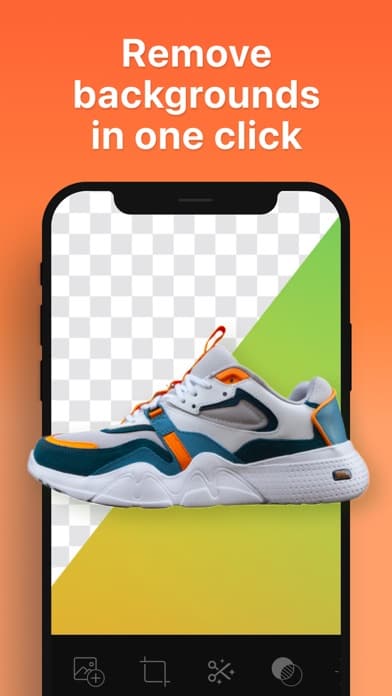
Then return to the main Boon landing page if you want the broader app overview, extra use cases, or generic AI logo maker context. Need clean listing photos for the same store? Use the product photo background remover to cut out products and place them on store-ready backgrounds.
Get the free app