App Store rating
Built on 82K App Store ratings carried from the Logo Maker Shop to Boon mobile workflow.
Boon · AI Logo Maker & Design
Start free on iPhone. Use Boon as an AI logo maker for a shop, small business, creator brand, or startup, customize the mark with 10K+ professional templates, then export mockups, high-resolution files, and the brand assets your launch needs.
From Logo Maker Shop to Boon
Boon keeps the original promise: epic logos for non-designers. It now adds AI logo creation, brand context, market-aware onboarding, realistic mockups, and a more capable creative agent for follow-up assets.
Examples + social proof
Searchers comparing logo maker apps usually need reassurance on two points: whether the app is trusted and whether it can produce the first real brand assets for their project. This section answers both before the App Store click.
Built on 82K App Store ratings carried from the Logo Maker Shop to Boon mobile workflow.
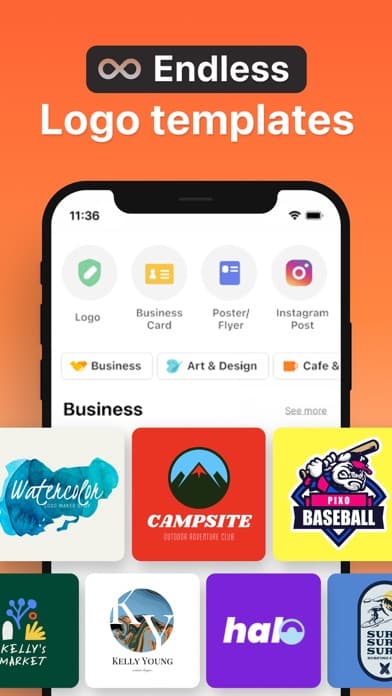
Enough starting points for cafe logos, creator brands, boutiques, salons, restaurants, and local services.
So the first AI draft can turn into a usable business logo instead of staying generic.
Start with a storefront logo, then preview a cup or sign mockup, a profile image, and export-ready files for menus or socials.
Turn one mark into a channel avatar, sticker-style asset, poster, and shareable launch graphic without changing tools.
Make a salon, studio, or service logo, test typography on appointment-card style mockups, and keep the files ready for quick handoff.
Core product
Pick a professionally designed starting point instead of staring at a blank canvas.
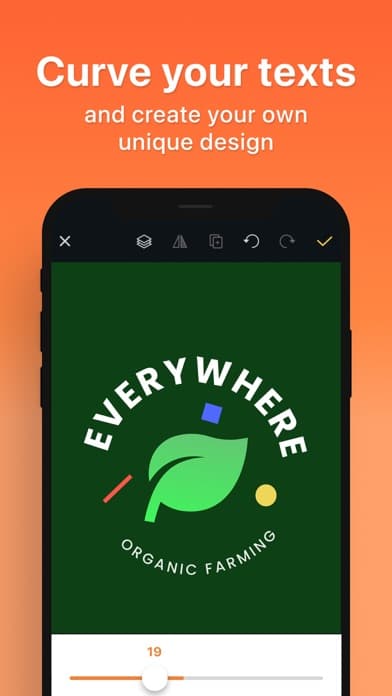
Tune color, type, texture, symbols, and layout until the brand feels ownable.
Save PNG or JPEG exports, create realistic mockups, and keep brand pieces in My Assets.
Who it is for
People search for logo makers with a project already in mind. Boon helps them move from that intent to a usable logo, matching creative, and App Store install path without switching to a desktop design suite.
Boon is the new name for Logo Maker Shop / Logoshop, keeping the mobile logo maker workflow while adding AI-assisted brand creation, mockups, and editable launch assets.
Create a logo for a cafe, shop, studio, salon, or local service business and preview it on realistic mockups before launch.
Generate a recognizable mark, social profile image, sticker, poster, or product graphic that keeps the same brand direction.
Turn a name and audience into logo routes, refine the best one in the editor, and export launch-ready files from iPhone.
Industry logo intent
A cafe, salon, restaurant, boutique, creator brand, and startup each need a different first impression. Boon gives each searcher a clear path from industry intent to editable logo concepts and launch assets.
Shape a warm cafe logo with coffee symbols, handwritten type, textured badges, and menu-ready brand graphics.
Build a polished beauty or hair salon identity with elegant fonts, soft palettes, appointment-card mockups, and social-ready assets.
Create a restaurant mark that works across menus, signage, takeout packaging, and local search profiles.
Design a boutique or online shop logo with fashion-forward typography, product tags, packaging mockups, and retail-ready exports.
Turn a channel, newsletter, or social brand into a consistent logo, profile image, sticker, poster, and launch graphic system.
Explore startup logo directions from your product name, audience, and positioning, then refine the best route into pitch-ready files.
Popular logo searches
If you are comparing logo maker options or need a free logo generator for a shop, store, or first brand, Boon gives you a fast iPhone workflow from AI concepts to editable logo files.
Design a storefront, boutique, online shop, or local retail logo with editable templates, symbols, and mockups that fit product-led brands.
Open the dedicated shop logo maker pageTurn your store name into logo directions, then adjust typography, colors, icons, and backgrounds until the design feels ready for signage and social profiles.
See the dedicated shop & store logo maker pageCreate a professional business logo for a local service, online company, or first storefront, then test the mark on mockups before you launch.
Open the shop logo maker for store brandsUse Boon as an iPhone-first logo making app when you want AI ideas, editable templates, high-resolution exports, and brand assets in one workflow.
Start online by generating options, refining the strongest route yourself, and exporting the files you need when the design is ready.
Use Boon as a free online logo generator on iPhone: start with AI prompts or templates, refine the mark yourself, then export brand files when the direction is ready.
Download Boon for free on iPhone, generate logo concepts with AI, and decide which export options you need after the design direction is clear.
AI creation modes
The iOS app now exposes a Creative Agent entry with logo styles and brand-adjacent formats, so Boon is more than a template gallery. It is a fast brand asset studio.
Why install the app
Many free AI logo maker results stop at a quick preview. Boon is built for business logo maker intent on iPhone: start free, use AI or templates, edit without design skills, then carry the logo into mockups and launch assets.
Get the free appStart with a free iPhone download instead of waiting for a desktop session, then keep refining the brand whenever the next launch asset is due.
Enter the brand name, market, audience, and mood, then move through AI logo concepts or editable templates without needing design skills.
Export high-resolution PNG or JPEG files, preview the mark on mockups, and keep creating social, flyer, card, sticker, and product graphics around the same brand.
Workflow
AI logo creation
Template-based logo editing
Text curve and texture tools
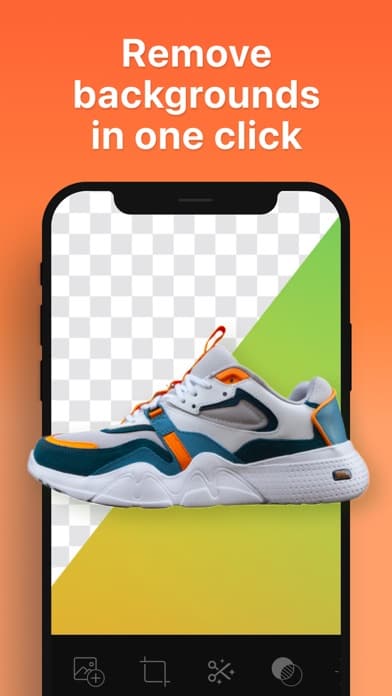
Cutout and background removal
High-resolution PNG/JPEG export
Mockup visualization
Logo maker FAQ
Boon is designed for founders, creators, and small teams who need a logo, mockups, and brand assets without opening a desktop design suite.
Boon Logo Maker is a free iPhone app for creating logos with AI prompts, editable templates, fonts, symbols, mockups, and high-resolution brand asset exports.
Yes. Boon is the updated product name for the Logo Maker Shop / Logoshop app experience, with the same mobile logo maker focus and newer AI-assisted brand asset tools.
Boon is free to download on iPhone. You can start logo ideas with AI or templates, then choose the export and creative options that fit your project.
Yes. Boon is built for non-designers: begin with 10K+ logo templates or AI prompts, then customize fonts, colors, symbols, textures, and layouts in the editor.
You can export high-resolution PNG or JPEG logo files, preview mockups, save reusable brand assets, and remove image backgrounds for cleaner launch materials.
Boon works for small businesses, creators, shops, studios, restaurants, services, product launches, and social brands that need a logo plus matching creative assets quickly.
Boon combines AI logo generation with an iOS editor, template library, mockups, background removal, and brand asset tools so you can keep refining after the first logo idea.
Yes. Boon gives you an online logo maker workflow on iPhone: start with AI or templates, refine the logo yourself, preview mockups, and export brand files when the direction is ready.
Yes. Boon includes editable logo templates, icons, fonts, and AI prompts for boutiques, online shops, retail stores, cafes, studios, and local service brands.
Boon is free to download on iPhone. Use it as a free logo maker app or logo generator to explore AI concepts, edit templates, preview mockups, and choose exports when the brand direction feels ready.
Yes. Boon can help local services, shops, studios, and online businesses create a business logo, preview it on mockups, and export brand files from iPhone.
Boon is designed for first-time founders and non-designers who need a guided logo making app with AI concepts, editable templates, mockups, and high-resolution exports.
Ready to start?
Choose a template, prompt the AI, refine the result, and export a brand asset that is ready to use.
Get the free app